
How to update billing information
Edited
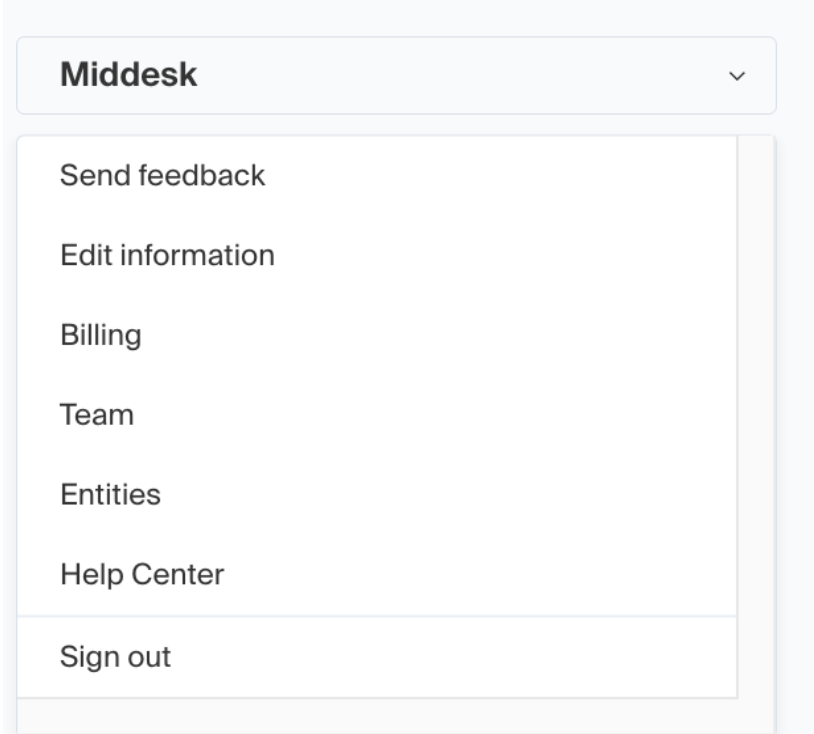
To update your billing information, you will need to navigate to the “Billing” section of the dashboard, which can be accessed via the left-hand dropdown menu that appears when clicking on the business name.
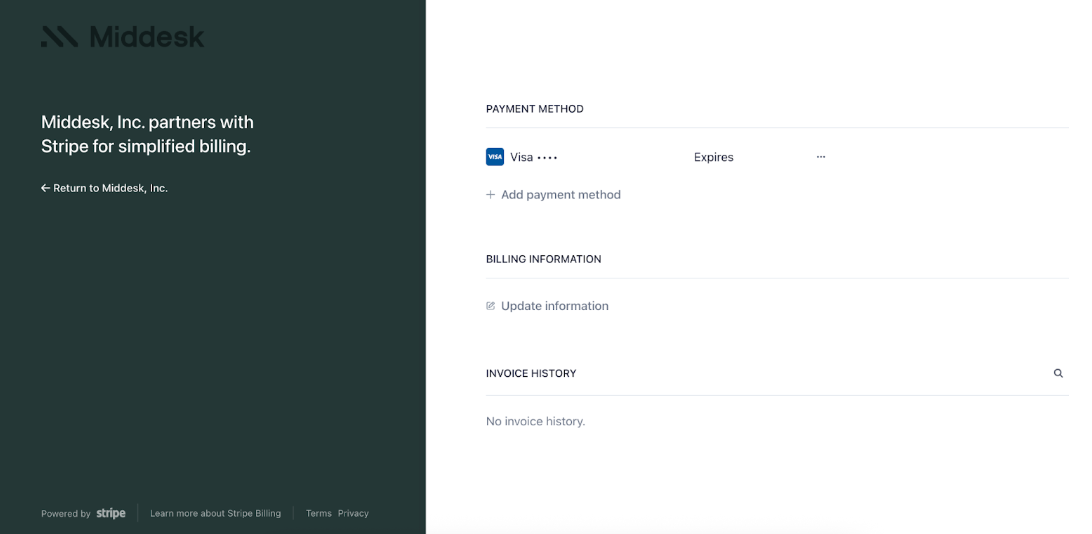
From there, you will be presented with a screen that displays your current payment method, billing information, and invoice history.
Should you have any difficulty updating your billing information, or would like to clarify on any invoices, you can reach out to our support team at agent@middesk.com.
Was this article helpful?
Sorry about that! Care to tell us more?