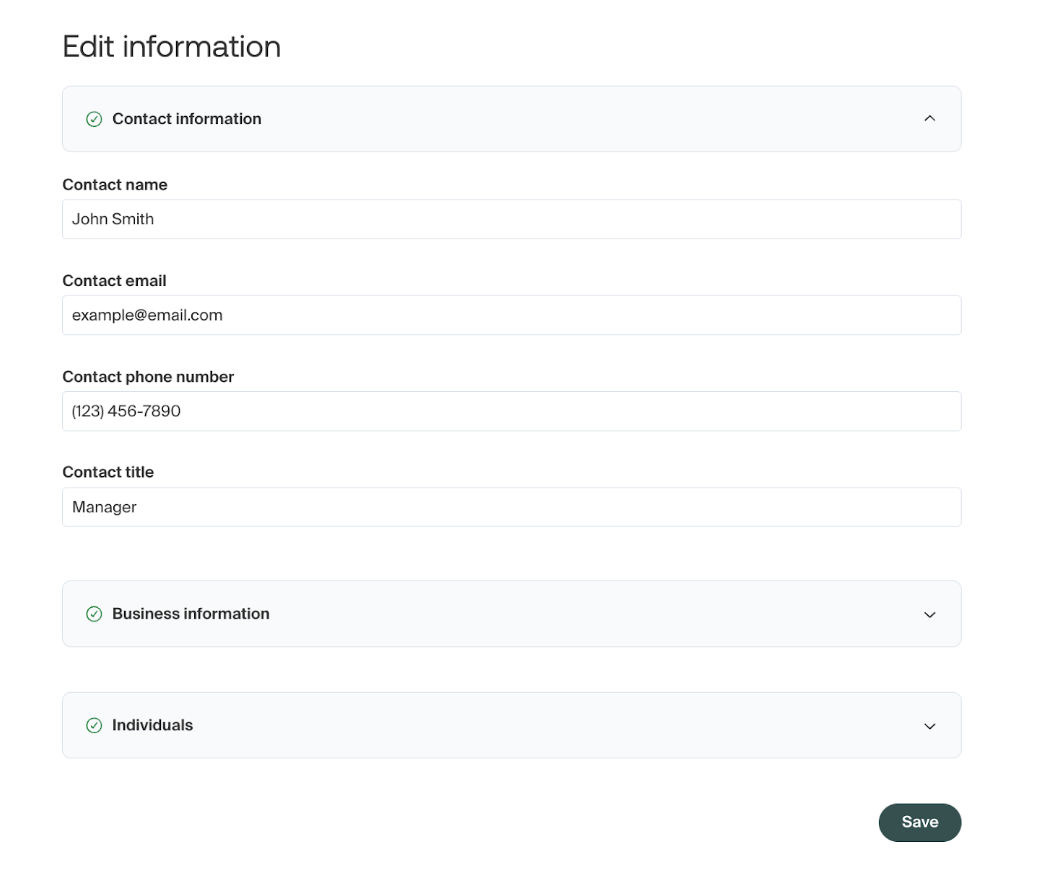
How to update the contact on your Middesk account
The “contact” on your Middesk account will be the individual from your organization listed on the registration as the contact of the business. This includes an individual’s name, business title, phone number, and email address.
Typically the “contact” will not change on a case-by-case basis between separate tax registrations, but will instead stay consistent across all tax registrations for your organization.
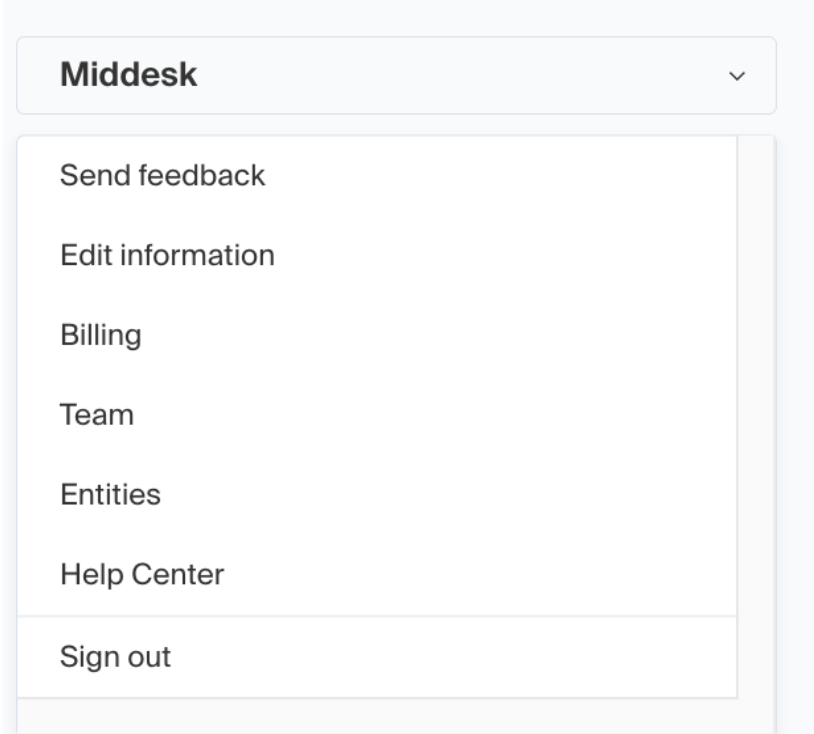
To update the contact, you can do so by logging into your Middesk dashboard at agent.middesk.com and then navigating to the “Edit Information” section, which can be found via the lefthand dropdown menu that displays when clicking on the business name.
Once on the Edit information page, you can update the contact information by clicking on the “Contact Information” dropdown menu. This will display the required information fields which can be filled out and then saved with the button at the bottom of the page.