How do I start a registration order?
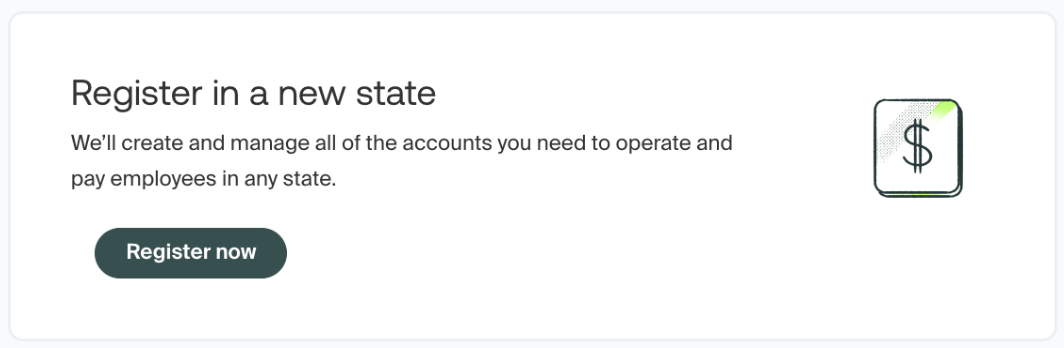
To start a registration order you’ll first log into your Middesk dashboard at agent.middesk.com. When you log in you’ll be brought to the main dashboard which will show a window near the top of the page, containing a button to “Register new”. Selecting this will allow you to start your order.
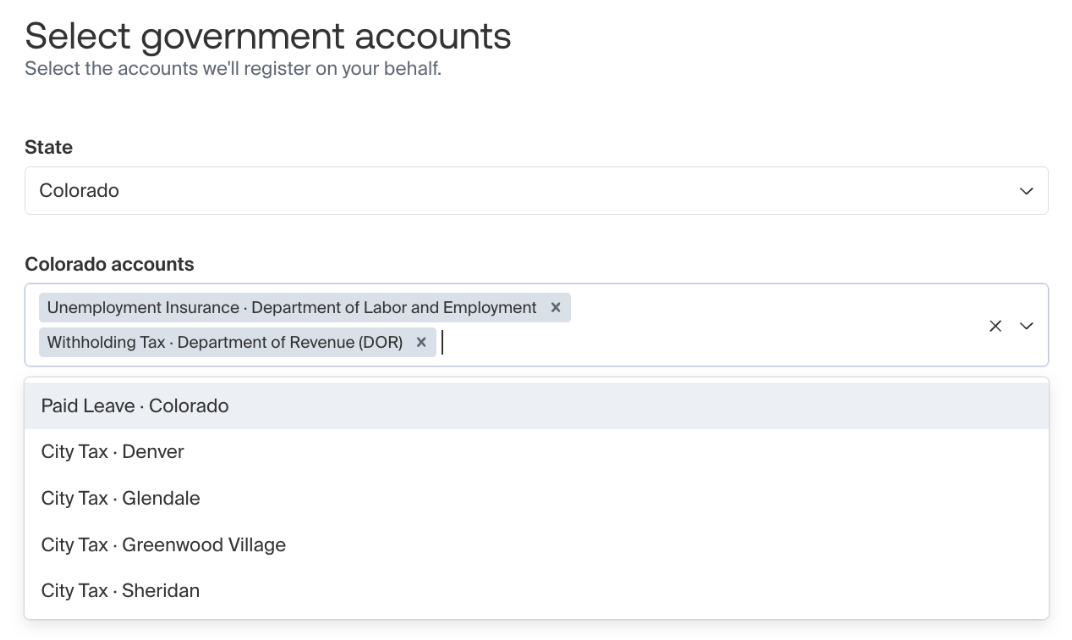
Once you’ve started an order you’ll be prompted to select the state you’re registering in, and will have the option to select which tax registrations you’d like to order.
Please note that for most states that require business register for state withholding tax and state unemployment insurance tax, these registrations will be selected by default, and if you need to add on any additional local/alternate tax registrations, you’ll need to make sure you’re selecting them from the drop-down menu.
In the example below, you’d need to make sure to select “Paid Leave - Colorado” if this was a registration you required in addition to CO withholding and unemployment tax.