
How to add users on my team to Middesk?
Edited
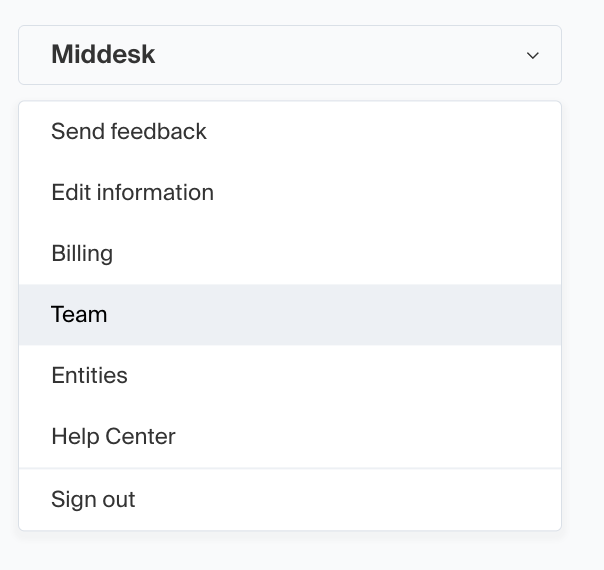
In order to add users or edit teammates, you'll first want to access the "Team" page.
To locate this page you will need to log into the Middesk dashboard at agent.middesk.com and then click on your business's name in the top left to bring up the drop-down menu.
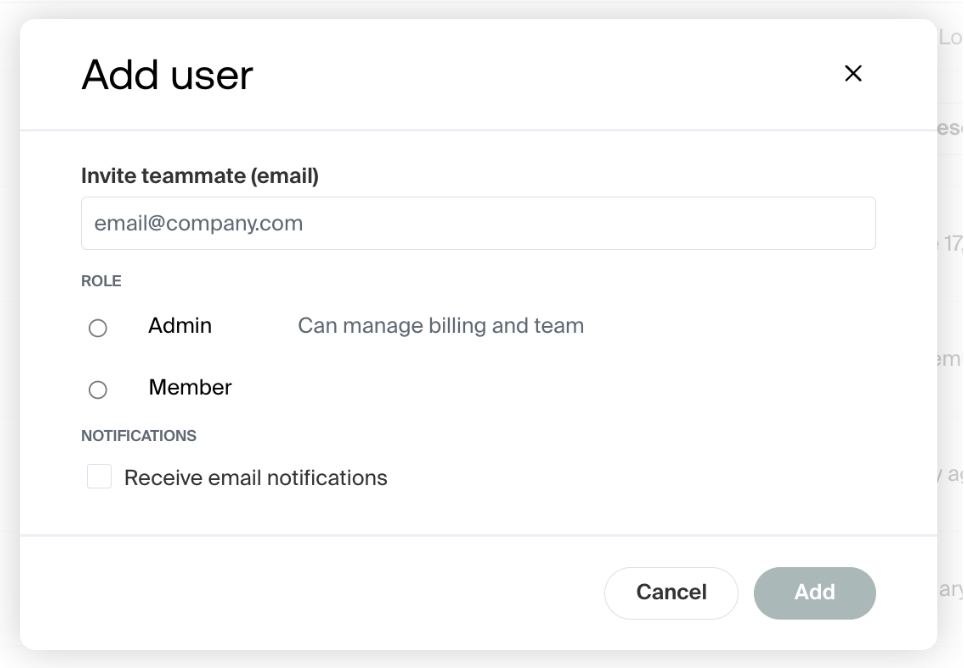
This section allows you to manage the users from your organization who can utilize the Middesk dashboard, along with their level of account access. You will also be able to select if the user should receive email notifications related to the management of the Middesk task registration account.
invite
teammates
log in
Was this article helpful?
Sorry about that! Care to tell us more?