
Viewing API Logs
Edited
API Logs
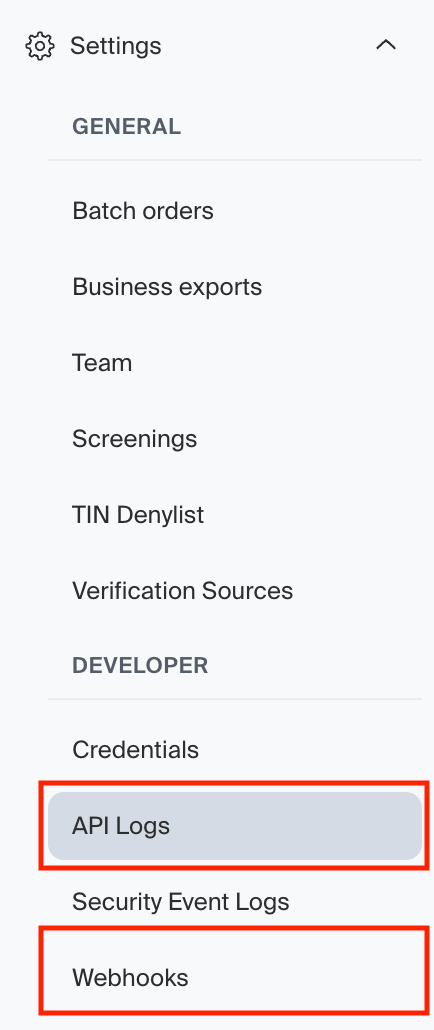
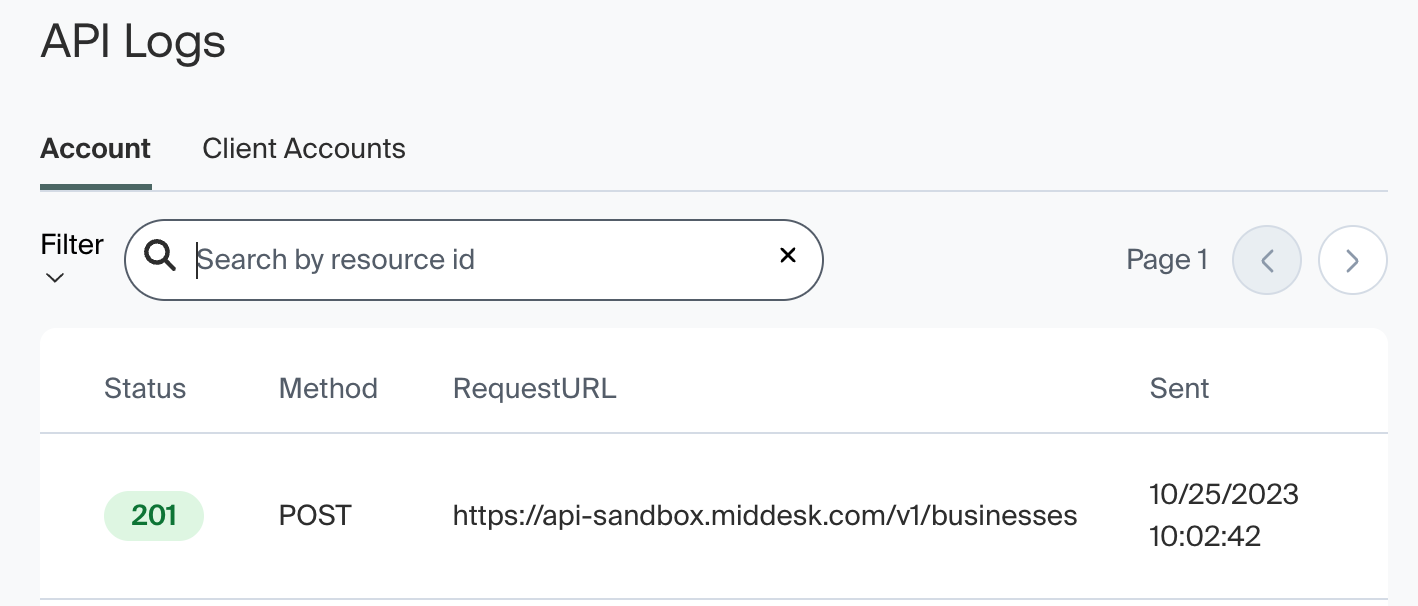
To view your account's API Logs, click Settings -> API Logs. You should now see the API Logs page, which allows you to filter by HTTP Method and Request Outcome. If you would like to see the API Logs for a specific business, simply search the Business's id into the search bar which reads Search by resource id. This will pull up all API logs associated with that Business.
Webhook Logs
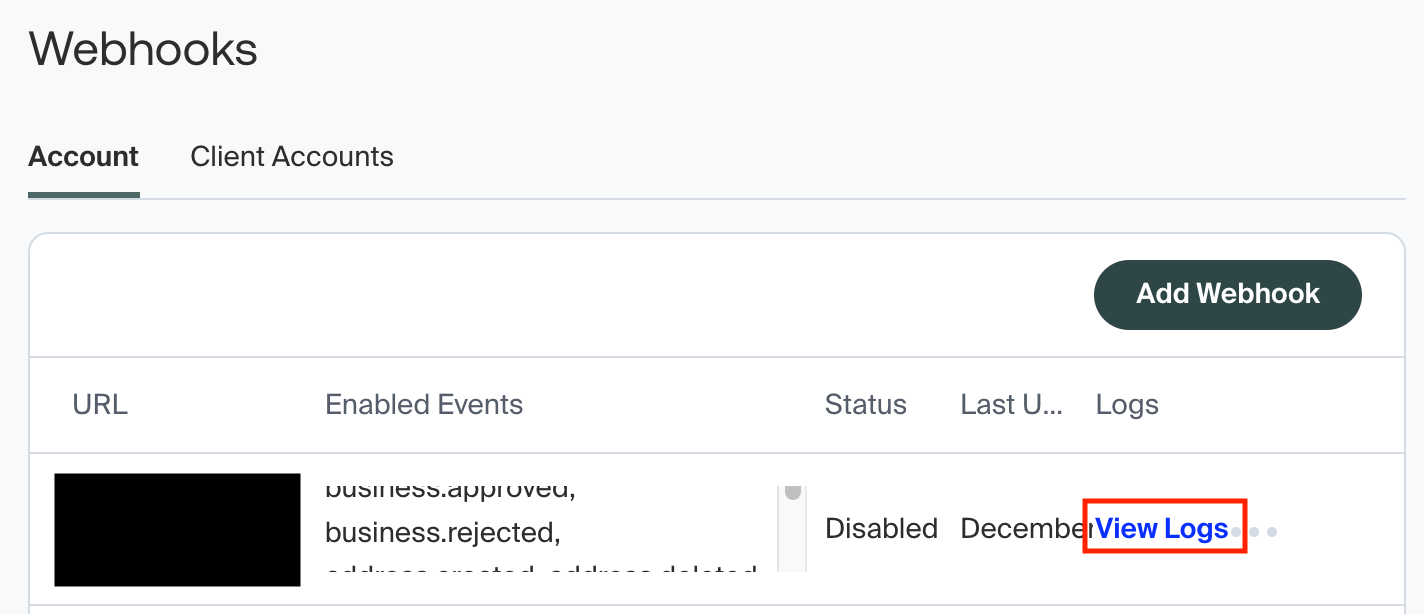
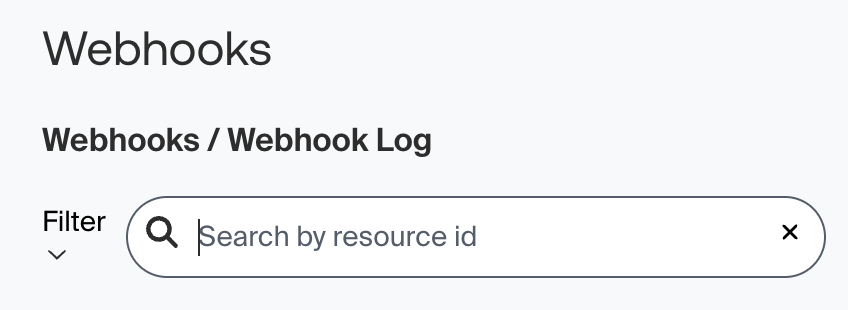
To view your account's Webhook Logs, click Settings -> Webhooks. You should now see a list of all Webhooks configured for your account. Click View Logs on any of these webhooks to view the logs for that webhook. You can also search the webhook logs by Business id.
webhook
logs
api
error
404
Was this article helpful?
Sorry about that! Care to tell us more?