
Switching between Sandbox and Production environments
Edited
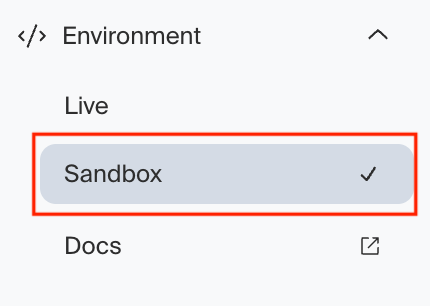
To switch the environment you are viewing in Middesk, click Environment on the left-hand sidebar. Then click the desired environment (Live for Production, Sandbox for the test environment with dummy data).
When you are viewing the Sandbox environment, you will see a dark bar across the top of your browser labeled: "Sandbox: To learn more view our docs".
prod
sandbox
production
env
environment
Was this article helpful?
Sorry about that! Care to tell us more?