
Export a CSV report of Businesses
Edited
Middesk enables you to export a CSV report of Businesses you have created in Middesk.
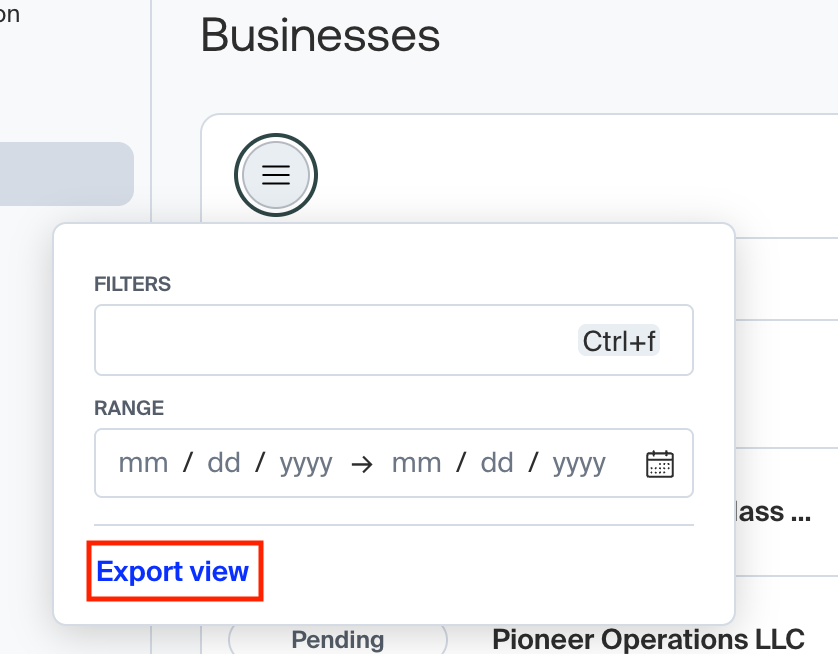
To export a CSV report of Businesses in Middesk, navigate to the Dashboard home page. Click the filter icon (three horizontal bars). Apply filters, if desired. Then click Export view to automatically download a CSV report of your Businesses in Middesk.
report
csv
export
Was this article helpful?
Sorry about that! Care to tell us more?