Business assignees: modify, remove, configure
Each Middesk account has a user who is the default assignee. When a new Business is created in Middesk, the Business review is assigned to the default assignee. The default assignee will receive an email when that Business is ready to be reviewed.
Changing the default assignee
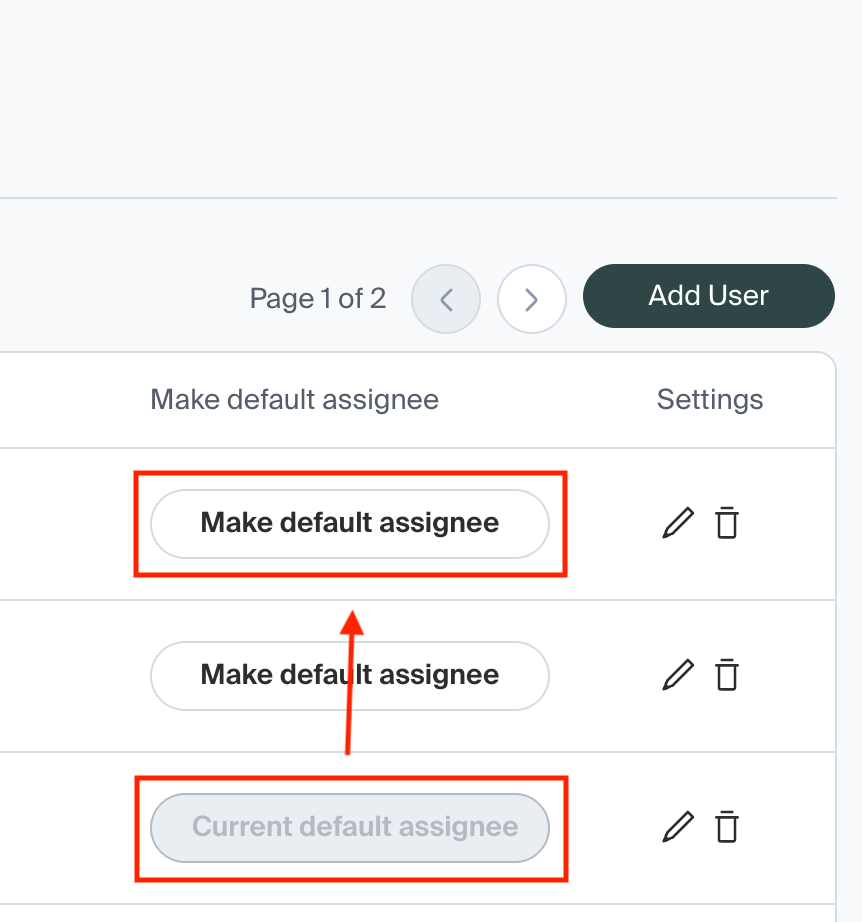
To change the default assignee, log in to the Middesk dashboard (app.middesk.com). Navigate to Settings -> Team. You should now see a list of users, with one user labeled as Current default assignee.
To change the default assignee, simply click Make default assignee next to a different user. It is not possible to have no user as the default assignee.
Changing a Business's assignee
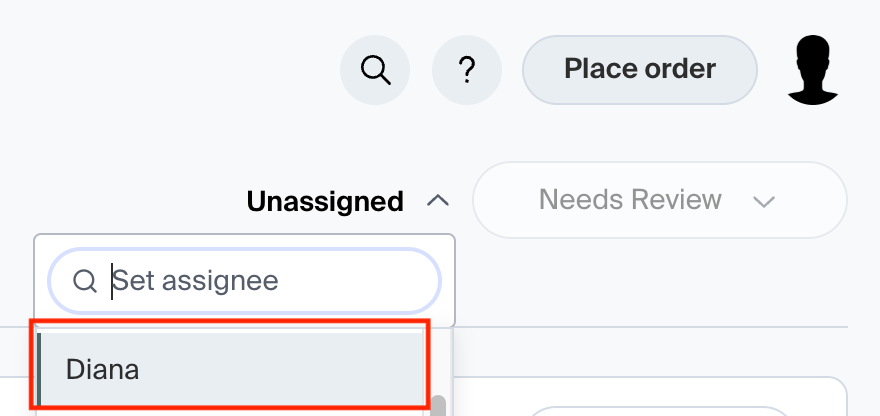
To change a Business's assignee, navigate to the Business's overview in Middesk. Click Assigned to: <user>. You should now see a dropdown list of all the account's users. Click the new assignee. The Business is now assigned to this person!