
Add/delete/modify Middesk users
Edited
Viewing your Middesk account's users
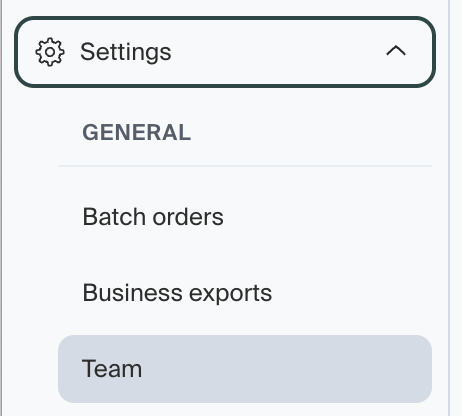
You can view your Middesk account's users by logging in to the Middesk dashboard (app.middesk.com). Click on Settings -> Team to view the users of your Middesk account.
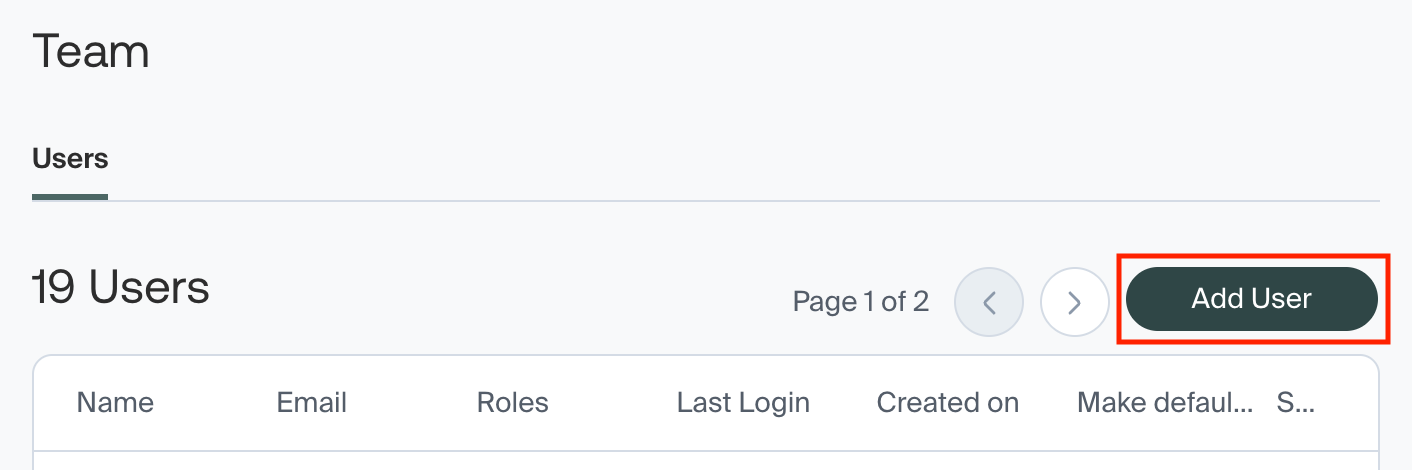
To add a new user, click Add User.
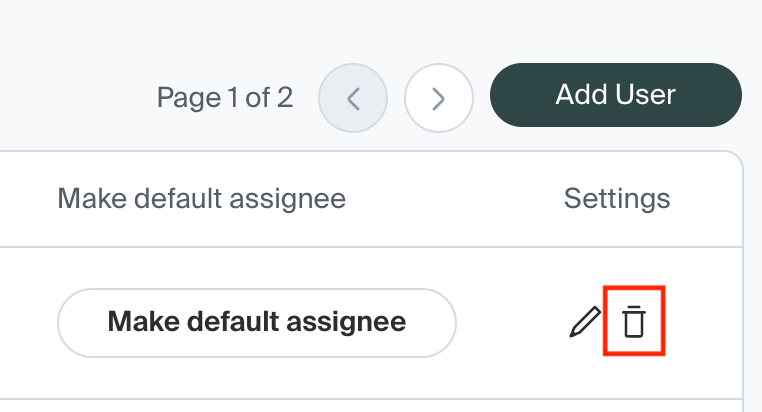
To remove an existing user, click the trash can icon next to the user.
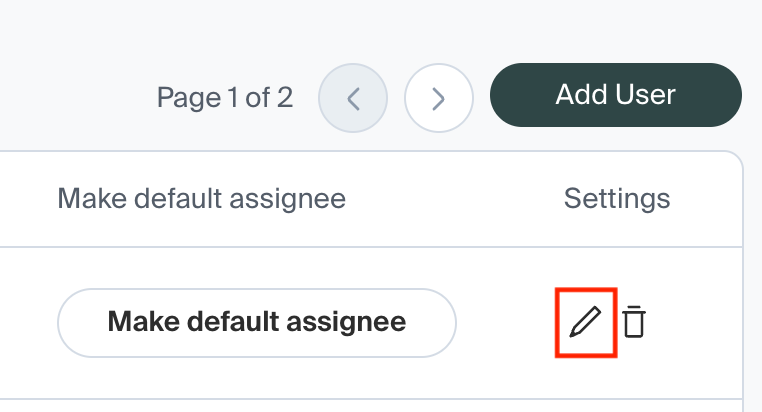
To modify the permissions level of an existing user, click the pencil icon next to the user, and reassign the permissions level.
How do I change a user's email address?
Currently, Middesk does not support modifying an existing user's email address. In order to change a user's email:
Add the new email as a new user, assigning the Name and Email as needed.
Delete the old user/email.
Was this article helpful?
Sorry about that! Care to tell us more?